Android 17 and One UI 9: what's new on Pixel and Galaxy
Android 17 is on Pixel 6 and newer, and Samsung started rolling out One UI 9 on September 16. Here is what changed and how to update.

Android 17 is out on Pixel, and Samsung started rolling out its version, One UI 9, on September 16. Here is what changed on each and how to get it.
Pixel
Google released Android 17 on June 16 for Pixel 6 and newer. The September update reached every Pixel from the 6 through the 11 on September 15. It added new Quick Settings tiles, including one for mobile data, a new look for the volume panel and power menu, and 20 bug fixes. One of the fixes is for phones that weren't connecting to mobile networks.
The Android 17 features worth knowing about:
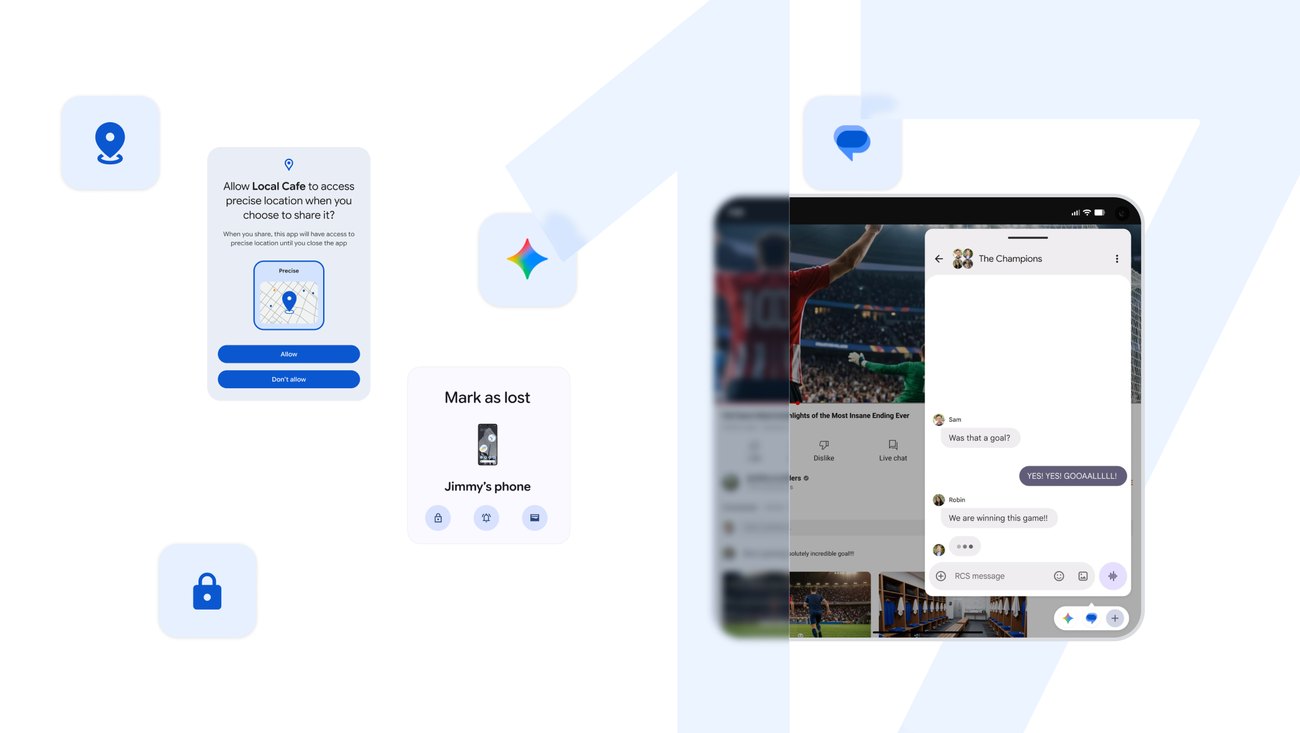
- Temporary precise location. You can give an app your exact location for a short time.
- Pick which contacts an app sees. When an app asks for your contacts, you can share only the ones you choose.
- Mark as Lost. If you mark your phone as lost, it locks and needs your fingerprint or face to unlock.
- Bubbles for apps. You can float an app in a small bubble over whatever else you are doing.
- Network privacy. In apps that support it, Android 17 hides the names of the websites you visit from the network you are on. Apps also need your permission to scan the devices on your home Wi-Fi.
Pixel's Scam Detection also expanded this month to cover notifications from chat apps in more countries. For calls, it is off by default. To turn it on, open the Phone app, tap the three dots, then Settings, then Scam Detection.
Samsung Galaxy
One UI 9 is Samsung's version of Android 17. It started with the Galaxy S26, S26+ and S26 Ultra, and Samsung says other Galaxy phones will get it gradually. Samsung's list includes the Galaxy S25, S24 and S23 families and recent Z Fold and Z Flip models. In the US, the S26 update is arriving carrier by carrier, and unlocked models started getting it in late September.
What's new:
- My FanCam follows one person in a video you recorded and keeps them in the center of the frame.
- Now Brief gets cards you can edit, so you choose what shows up in your daily summary.
- Security Brief puts alerts about malware, apps from unknown sources and unneeded permissions into Now Brief.
- Privacy Alerts use on-device AI to flag possible privacy risks.
- Document Scan handles curved book pages and folded corners.
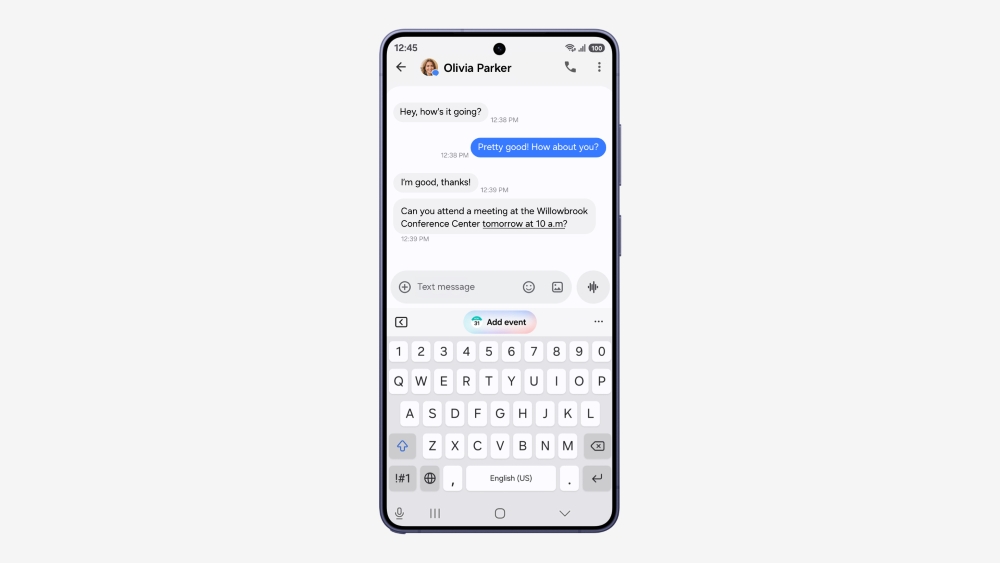
For calls, Galaxy phones on One UI 8.5 and later have Scam Detection in the Phone app, and it is on by default. It plays a sound and vibrates if a call sounds like a scam. In the US it works in English, and it doesn't run on calls from your contacts. The rest of the spam settings for Pixel and Galaxy are in our guide to stopping spam calls.
How to update
Pixel: Settings > System > Software updates.
Galaxy: Settings > Software update > Download and install.
Connect to Wi-Fi before you start. The downloads are large, and some phones only download updates over Wi-Fi.
Bringing a Pixel or Galaxy to Vetra? Make sure it is unlocked first. Questions? Call us 24/7 at (833) 888-3872.