Stop spam calls using what's already on your phone
iPhone, Pixel and Galaxy phones have spam call tools built in. Here is where to find each one and what it does.

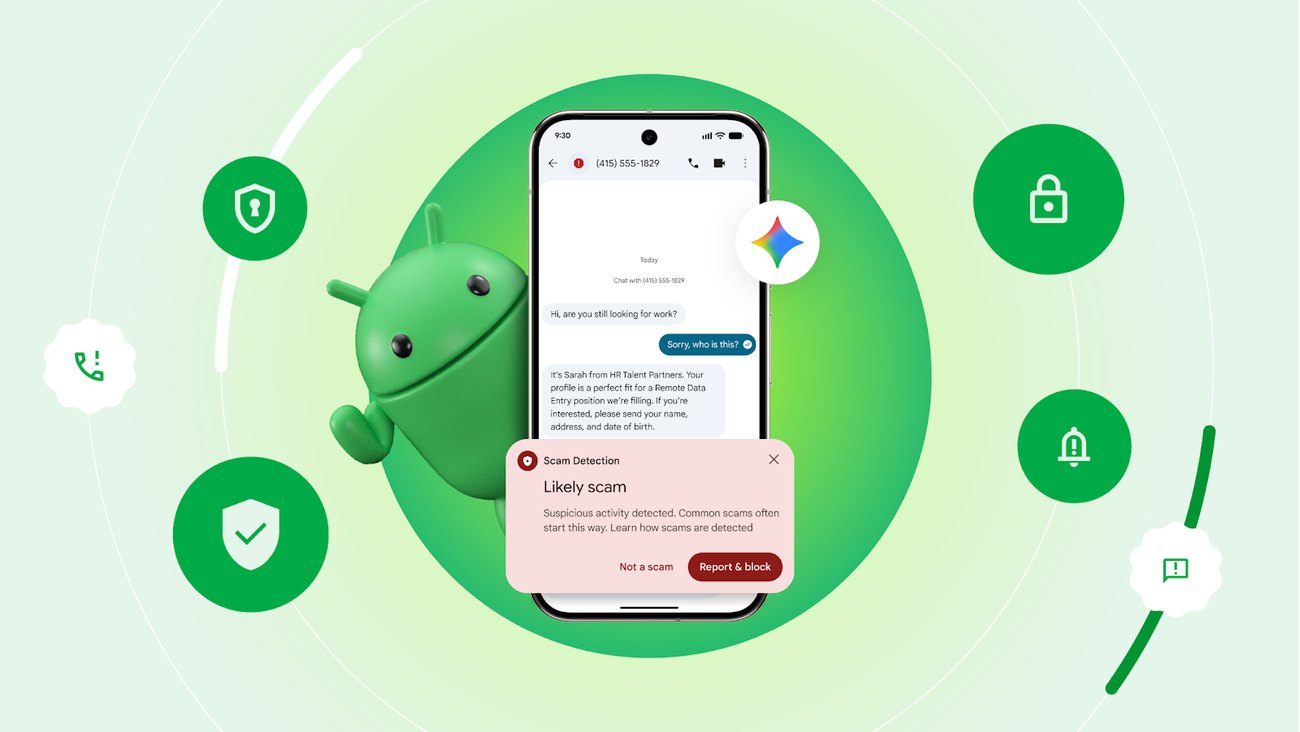
Your phone already has tools for spam calls. They are free, and most take a minute to turn on. Here is where to find them on iPhone, Pixel and Samsung Galaxy.
iPhone
Screen unknown callers. Go to Settings > Apps > Phone > Screen Unknown Callers and choose Ask Reason for Calling. When a number that isn't in your contacts calls, your iPhone asks for their name and why they are calling before it rings. You see what they said and decide whether to pick up. This needs iOS 26 or later.
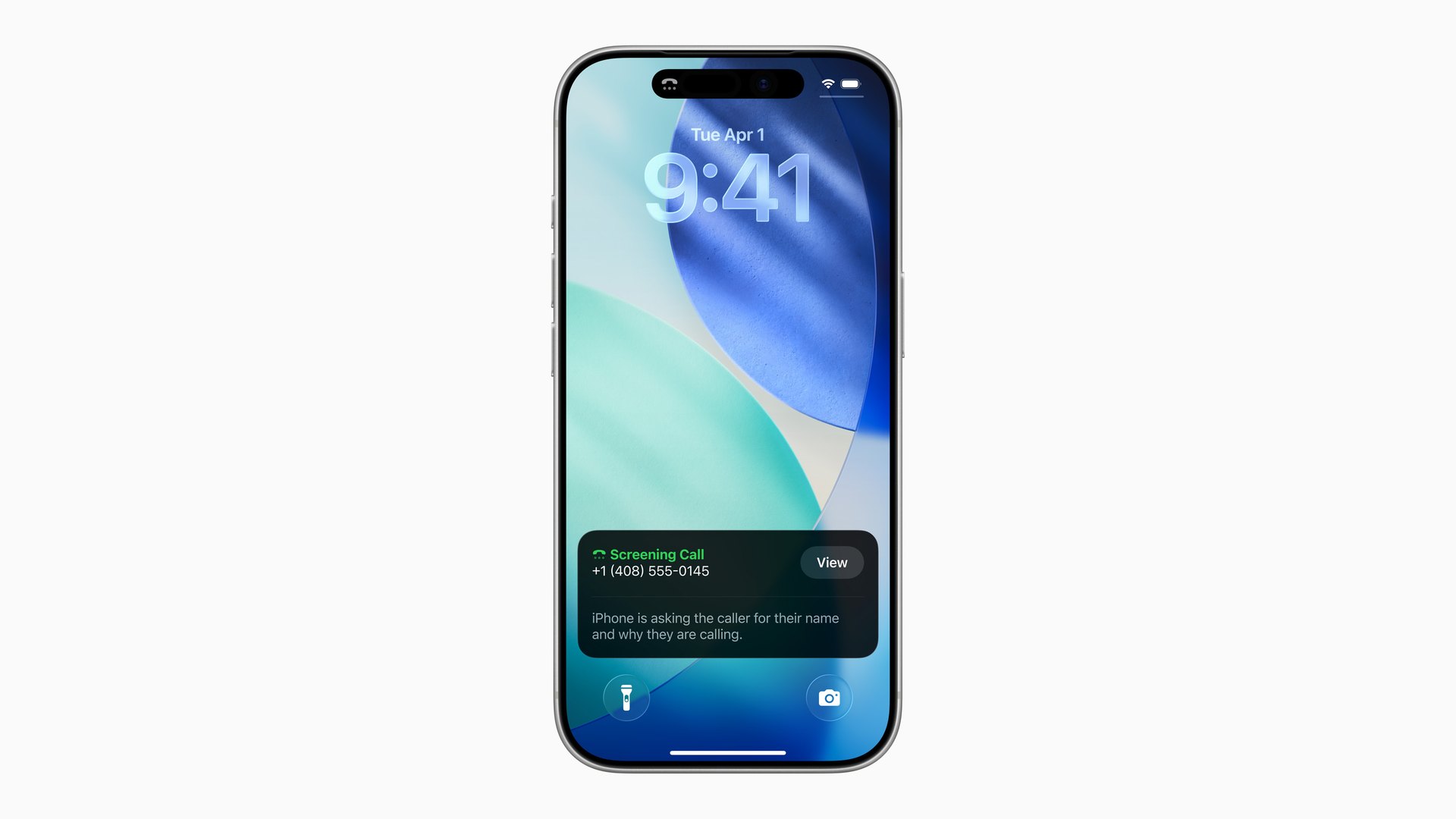
If you would rather not hear from unknown numbers at all, choose Silence instead and those calls go straight to voicemail. Keep in mind this also catches your doctor's office and delivery drivers if they aren't saved in your contacts.
Screening pauses for 24 hours after you call 911, and it doesn't work while you are roaming.
Filter unknown callers. Go to Settings > Apps > Phone > Call Filtering. Missed calls and voicemails from unknown numbers move to their own list, which keeps your Recents clean.
Screen unknown texts. Go to Settings > Apps > Messages > Unknown Senders and turn on Screen Unknown Senders. Texts from numbers you don't know go to a separate list. To report a spam text, open it and tap Report Spam.
Block a number. In the Phone app, go to Recents, tap the info button next to the number and tap Block Caller.
Google Pixel
These are all in the Phone app. Tap the three dots, then Settings.
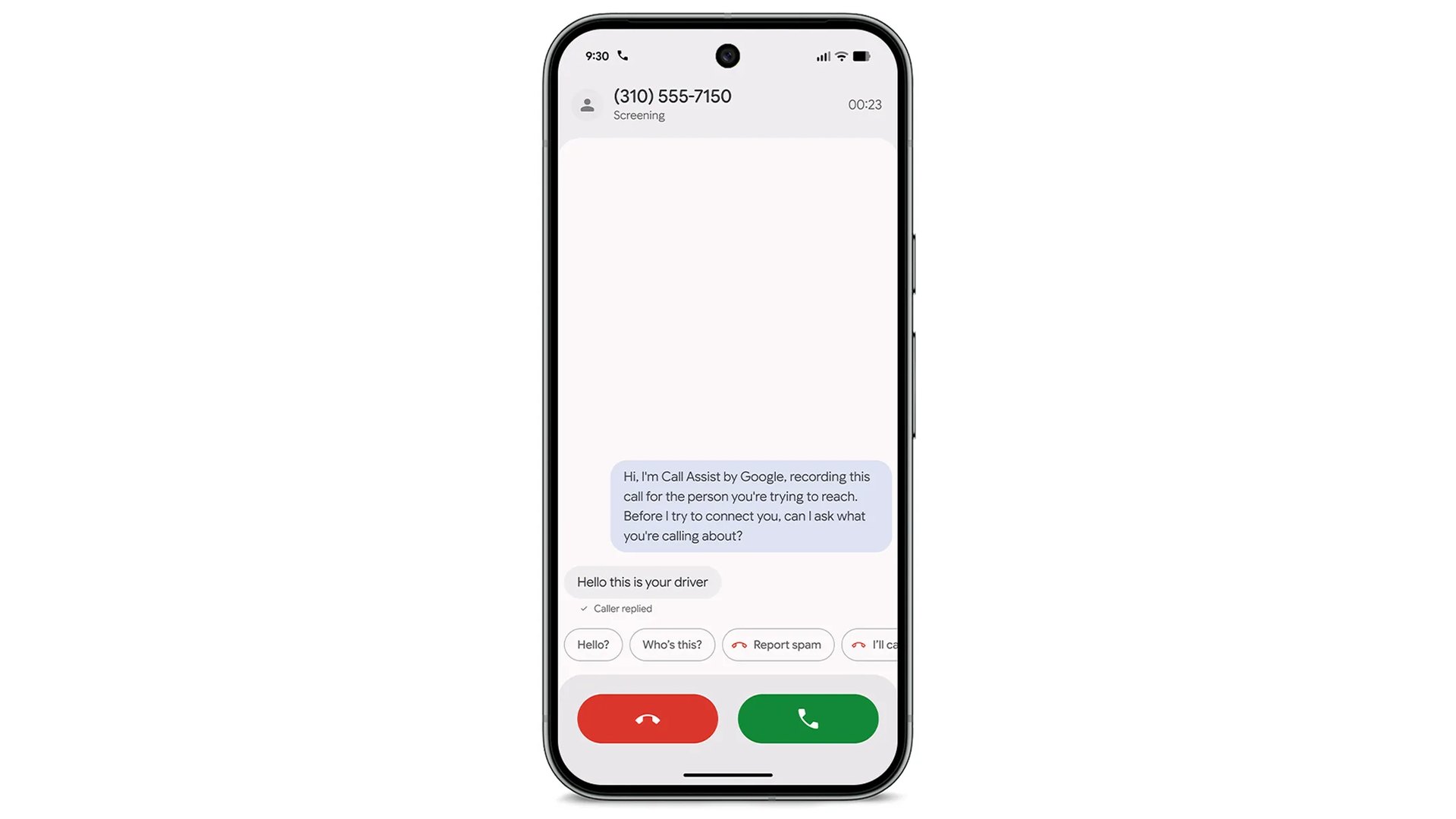
Call Screen. Open Call Screen and pick a protection level. On Pixel in the US, your phone can answer unknown numbers for you, ask who is calling and show you what they say. You can also screen a call yourself when it rings.
Filter spam calls. Open Caller ID and spam and turn on Filter spam calls. Filtered calls don't ring, but they still show up in your call history.
Scam Detection. Open Scam Detection and turn it on, because it is off by default. During a call, it warns you if the call looks like a scam. It runs on the phone, and it works on Pixel 6 and newer in the US.
Google Messages already checks texts for scams by default. You can confirm it in Messages under Messages settings > Protection & Safety > Spam protection.
Samsung Galaxy
These are in the Phone app too. Tap the three dots, then Settings.
Caller ID and spam protection. Turn on Block spam and scam calls, then choose Block all or Only block high-risk. Samsung says this may not be available on every model.
Scam detection. On One UI 8.5 and later, this is on by default. It plays a sound and vibrates if a call sounds like a scam. It doesn't run on calls from your contacts.
Block unknown numbers. Go to Block numbers and turn on Block calls from unknown numbers. Like Silence on iPhone, this also blocks callers you might want to hear from.
On any phone
Add your number to the National Do Not Call Registry at donotcall.gov, or call 1-888-382-1222 from the phone you want to register. It is free and it doesn't expire. Legitimate sales calls should stop within 31 days. Scammers ignore the list, so keep the phone settings above turned on.
If a scam call gets through, report it to the FTC at ReportFraud.ftc.gov. If someone calls saying they are your bank, hang up and call the number on the back of your card.
Questions about calls on your Vetra line? Call us 24/7 at (833) 888-3872.